
Shōnen
Rivals, training arcs and fights that escalate. Starts on a six-panel action page, read right to left, with bold lines and impact sound effects.
Free to start · in your browser · PDF, CBZ & webtoon
The AI manga creator. Turn a story or script into manga pages or a vertical webtoon, with panel art and speech bubbles, then export PDF, CBZ, or a webtoon strip.
No account needed to start. Guests can finish 3 projects; a free account adds cloud save and share links.
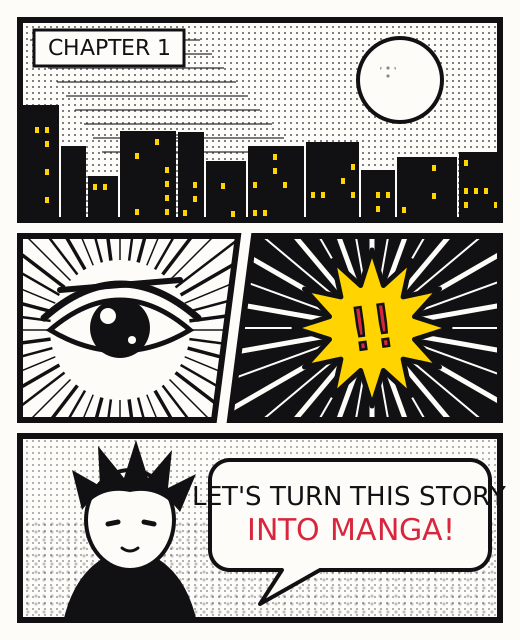
Script & layout, panel artwork, then lettering: the same stages pro comic teams use, simplified for a solo creator.
Choose a panel template, write or import your page script, then continue to artwork.
Tag your cast for consistency, describe each panel, then generate or upload art per panel.
Place dialogue in speech balloons, add SFX and effects, then export PDF, CBZ, or a webtoon strip.
Switch a project between manga, comic and webtoon without losing work.
4-koma, 2×2 grid, shōnen 6-panel, splash and webtoon strip.
AI panel art with cast tagging keeps faces and outfits consistent across pages.
Shōnen, shōjo, seinen, slice-of-life, horror, comedy and webtoon.
Speech bubbles, SFX stickers, speed lines and genre lettering presets.
Plan every page, then batch script and art generation.
Paste a chapter or upload .txt to split it into page scripts.
B5 tankōbon, A4, US comic and vertical webtoon.
PNG, PDF, CBZ, webtoon strip, EPUB, ZIP and social crops.
Rivals, training arcs and fights that escalate. Starts on a six-panel action page, read right to left, with bold lines and impact sound effects.
Feelings on the page: inner monologue in soft thought balloons, screentone backgrounds, softer line weight.
Slower, grounded, grown-up. A dense seven-panel page with realistic proportions and plain speech lettering.
Vertical full-color framing. Export one long strip for Webtoon CANVAS or Tapas, with the publish checklist for their size guidelines.
Runs in your browser with no desktop software. Pages auto-save in the browser; cloud save and read-only share links come with a free account.
Open the web creatorEntangled Manga for your computer is on the way.
Download pageEntangled Manga for your phone is on the way.
Download pageNot to start. Pages save in your browser, and guests can finish 3 projects before a free account is needed. A free account adds cloud save, share links, and Story Studio sync, so a light novel or web novel you wrote can become manga page scripts.
Choose the vertical webtoon trim and a strip template, paste or write the episode script, and the studio breaks it into panels. Generate the panel art, letter the speech bubbles and SFX, then export one long strip PNG for Webtoon CANVAS or Tapas.
Yes, at any time. Manga, comic and webtoon are three styles of one studio. A project with no art yet takes the new style’s page size, reading order and colour; one with art keeps every page as drawn, and new pages follow the new style.
AI draws panel artwork only. You letter dialogue in step 3 (auto-place or manual), so text stays sharp and editable at any resolution.
Entangled Manga is the new home of the AI manga creator: script, panel art and lettering in one studio.


